

Profile
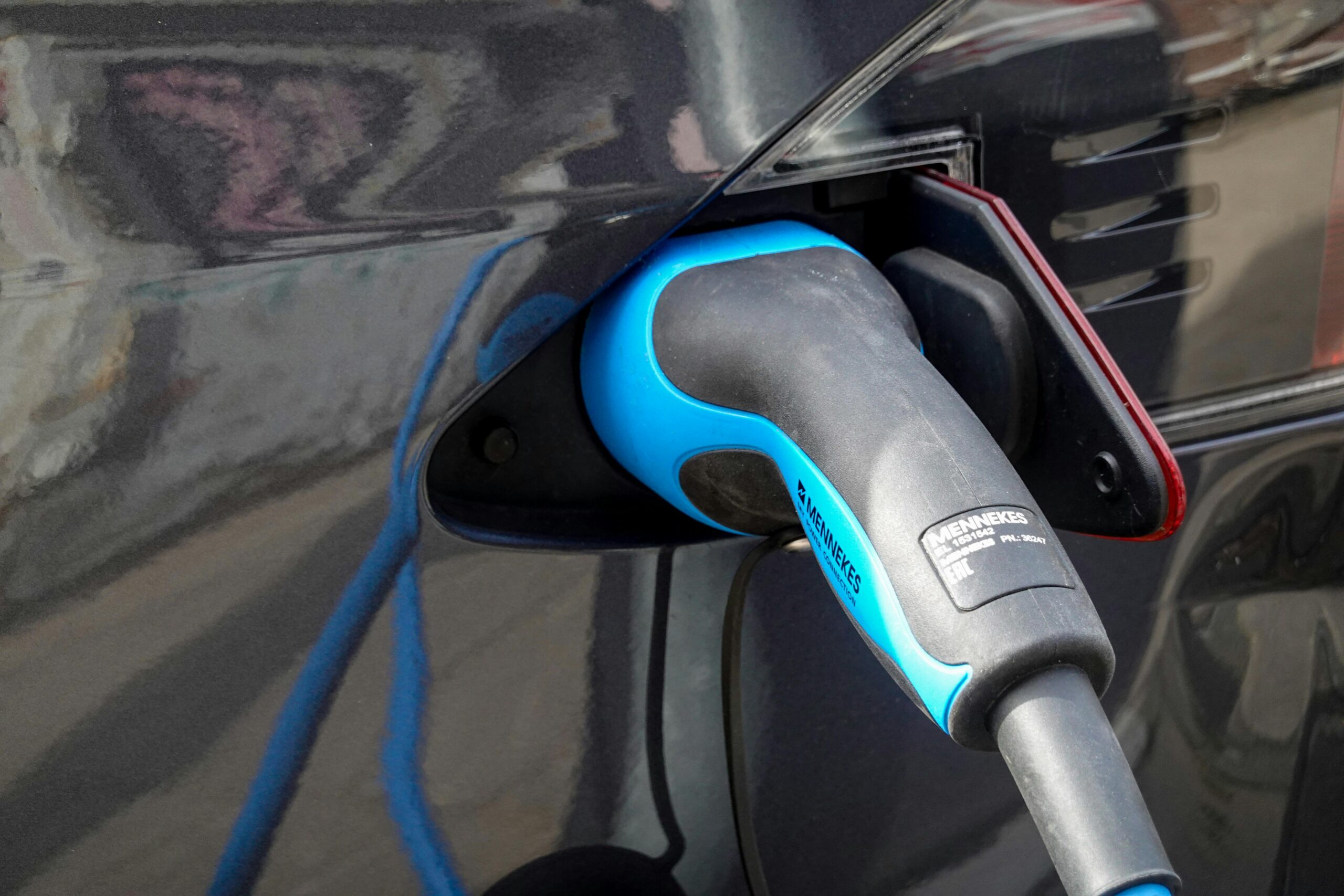
Electric Charging Station Los Angeles CA US
Located at 664 W Slauson Ave, Los Angeles, CA, this Electric Charging Station provides essential EV charging services for residents and visitors. The station offers Level 2 charging ports, ideal for moderate-speed recharging, and is designed to accommodate a range of electric vehicles. Its strategic location along a major thoroughfare makes it a convenient stop for travelers and locals alike, supporting the growing demand for sustainable transportation in the area.
Notable features include ample parking space, clear signage for easy access, and compatibility with major EV charging networks. While specific details about charging speeds or additional amenities are not provided, the station is positioned to meet the needs of EV owners seeking reliable and accessible charging options. Users can find reviews, maps, and directions online to enhance their experience and plan visits efficiently. This location underscores Los Angeles’ commitment to expanding infrastructure for electric vehicles, promoting cleaner mobility in the region.
Location Reviews
To find nearby EV charging stations while traveling, you can use the following methods:
1. Apps and Websites
– PlugShare: A popular app with over 50,000 EV stations listed across the U.S. It provides real-time updates on station availability, pricing, and user reviews.
– Google Maps: Search for “EV charging station” or use the “Electric Vehicle Charging” feature in Google Maps.
– ChargePoint: Offers a map of charging stations, including Level 2 and DC Fast Charging locations.
– A Better Routeplanner: A free tool for planning EV trips with route optimization and charging stop suggestions.
– Vehicle-Specific Apps: Some EVs (e.g., Tesla, Rivian) have built-in navigation systems that show compatible charging stations.
2. In-Vehicle Navigation
– Most modern EVs (e.g., Tesla, Chevrolet Bolt, Ford Mustang Mach-E) have integrated maps that display nearby charging stations. Ensure your vehicle’s software is updated for accurate data.
3. Real-Time Updates
– Apps like PlugShare and ChargePoint often update in real-time, showing which stations are free, paid, or out of service.
4. Plan Ahead
– Use apps to pre-plan your route, ensuring you know where to stop for charging. Some apps (e.g., A Better Routeplanner) calculate driving time and battery range to avoid running out of power.
5. Check Local Networks
– If you’re using a specific charging network (e.g., Tesla Superchargers, Electrify America), visit their official websites or apps for the most accurate information.
—
Tip: Always confirm the type of charger (Level 2 or DC Fast) and whether it’s compatible with your vehicle. For example, Tesla vehicles use proprietary chargers, while most other EVs use the CCS or CHAdeMO standard.
Let me know if you need help with cost calculations or charger types!